


📋 Editor Logging Library
Short Description
UGorgeousEditorLoggingBlueprintFunctionLibrary is a Blueprint Function Library that exposes logging utilities to Blueprints in the Unreal Editor. It allows developers to log messages with various verbosity levels and create clickable hyperlinks in the Output Log that can point to source files or assets.
Long Description
Logging is an essential part of development, especially for debugging and providing feedback during editor workflows. UGorgeousEditorLoggingBlueprintFunctionLibrary provides a convenient way to log messages with with hyperlinks directly from Blueprints, enhancing the interactivity of log messages.
The hyperlink functionality allows developers to create log entries that, when clicked, can open a specific file in the editor (e.g., a source code file) or execute a registered action. This is particularly useful for quickly navigating to relevant blueprint assets that throw warnings or errors.
🚀 Features
Editor Context
Hyperlink logging only works in the Unreal Editor. In packaged builds, hyperlinks will not be active and will be treated as regular log messages. To use this functionality, ensure you are working from blueprint utility blueprints or when in C++ in editor modules.
RegisterLogHyperlinkAction
Registers a custom action that can be triggered when a hyperlink in the Message Log is clicked. You provide an object that will handle the action, a unique name for the action, and the name of the function that should be called on the handler object when the hyperlink is clicked. The specified function must be a UFUNCTION and should accept a single FString parameter, which will receive any payload data associated with the hyperlink. This enables you to create interactive log messages that can perform specific tasks or navigate to certain parts of the editor when clicked.
| Parameter Name | Type | Description |
|---|---|---|
HandlerObject |
UObject* |
The object that will handle the action when the hyperlink is clicked. |
ActionName |
FName |
A unique name for the action to be registered. This name will be used to reference the action when creating hyperlinks. |
FunctionName |
FName |
The name of the function on the HandlerObject that will be called when the hyperlink is clicked. This function must be a UFUNCTION and should accept a single FString parameter for the payload. |
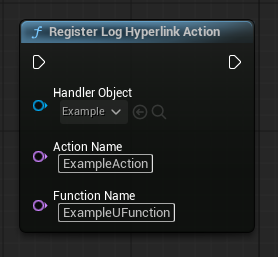
// Example of registering a log hyperlink action in C++
void UMyLogHandler::SetupLogging()
{
    UGorgeousEditorLoggingBlueprintFunctionLibrary::RegisterLogHyperlinkAction(this, "OpenMyAsset", FName("HandleOpenMyAsset"));
}

UFUNCTION()
void UMyLogHandler::HandleOpenMyAsset(const FString& Payload)
{
    // Logic to handle the hyperlink click, e.g., open an asset based on the payload
}
LogMessageWithAssetHyperlink
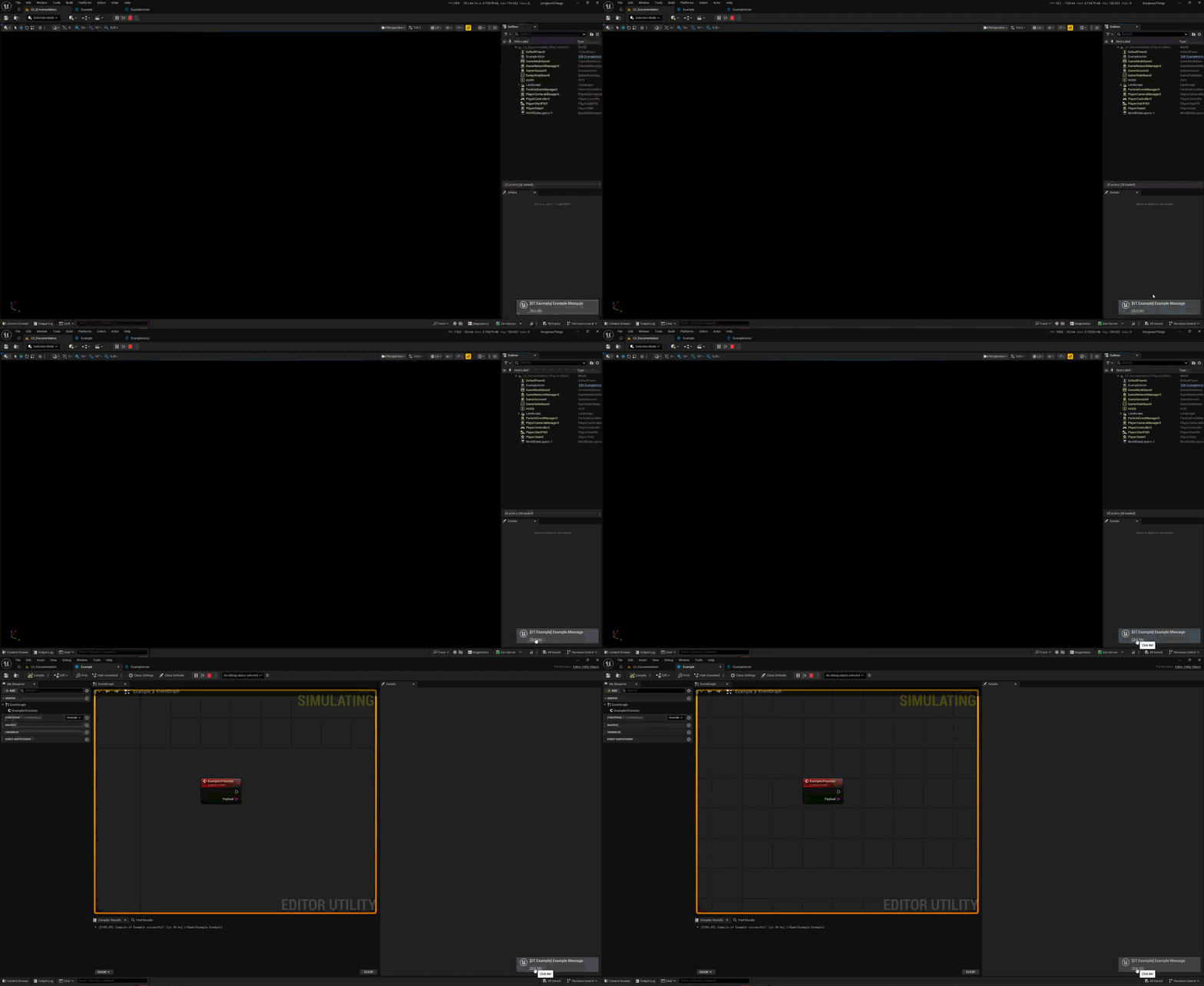
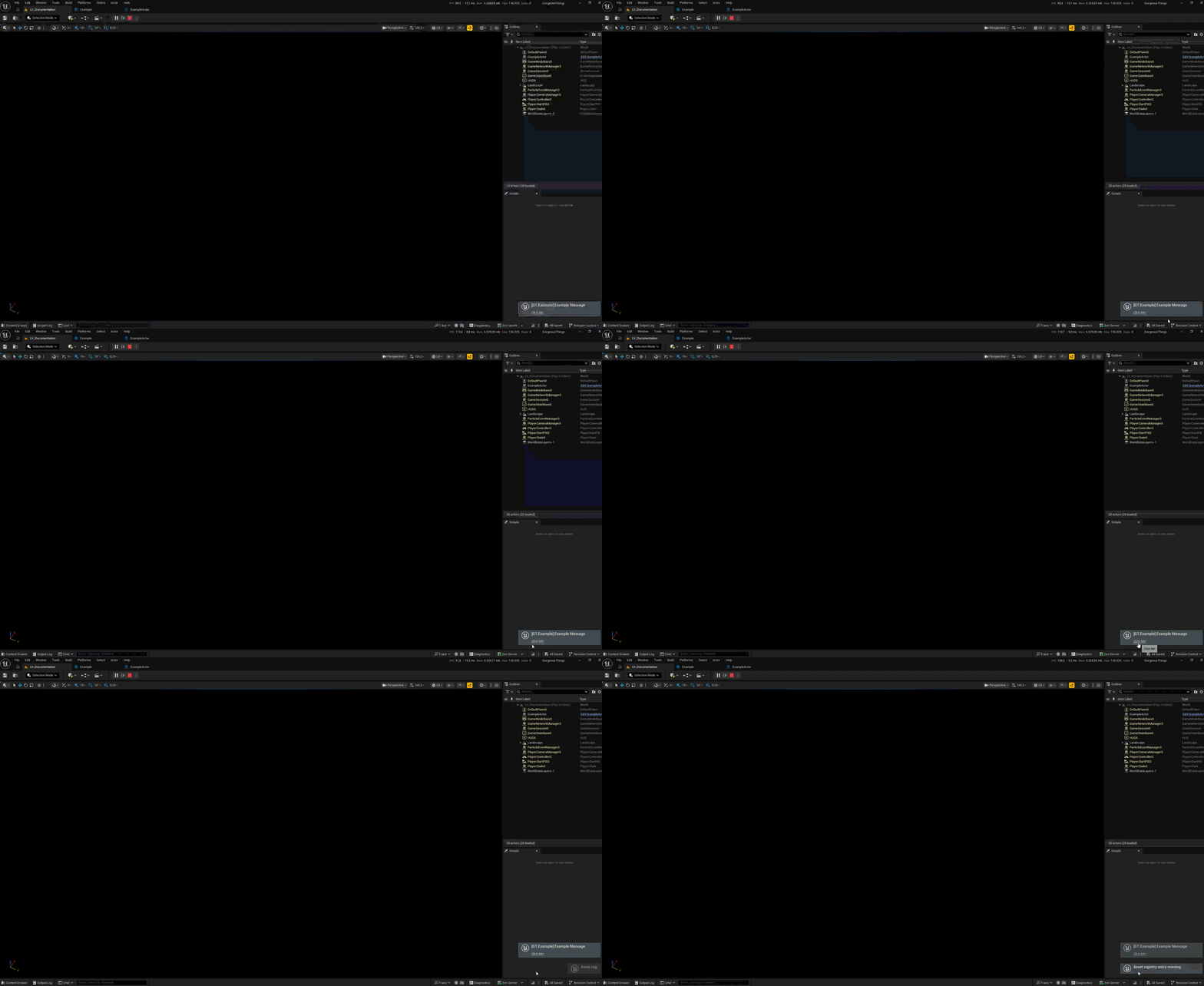
Logs a message to the Message Log with an embedded hyperlink that points to a specific asset in the Unreal Editor. When the hyperlink is clicked, it will attempt to open the referenced asset. If the asset cannot be found at the specified path, a notification will be displayed to inform the user of the missing asset. This is particularly useful for providing quick access to relevant assets directly from log messages, enhancing workflow efficiency.
| Parameter Name | Type | Description |
|---|---|---|
Message |
FString |
The message to log in the Message Log. |
LoggingKey |
FName |
A unique key to manage and identify this log message. |
Importance |
ELogVerbosity::Type |
The verbosity level of the log message (e.g., Display, Warning, Error). |
AssetPath |
FSoftObjectPath |
The soft object path to the asset that the hyperlink should point to. |
LinkText |
FString |
The text that will be displayed for the hyperlink in the log message. |
WorldContextObject |
UObject* |
The world context object, used for logging context. |
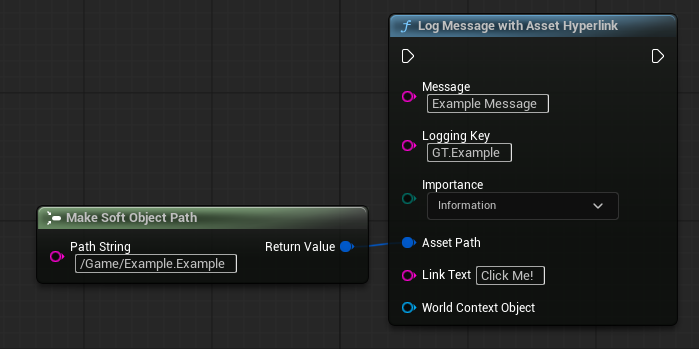
// Example of logging a message with an asset hyperlink in C++
UGorgeousEditorLoggingBlueprintFunctionLibrary::LogMessageWithAssetHyperlink(
    "This is a log message with an asset hyperlink.",
    FName("MyUniqueLogKey"),
    ELogVerbosity::Warning,
    FSoftObjectPath("/Game/MyAsset.MyAsset"),
    "Open My Asset",
    GetWorld()
);
LogMessageWithActionHyperlink
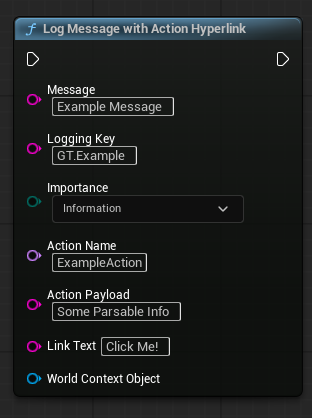
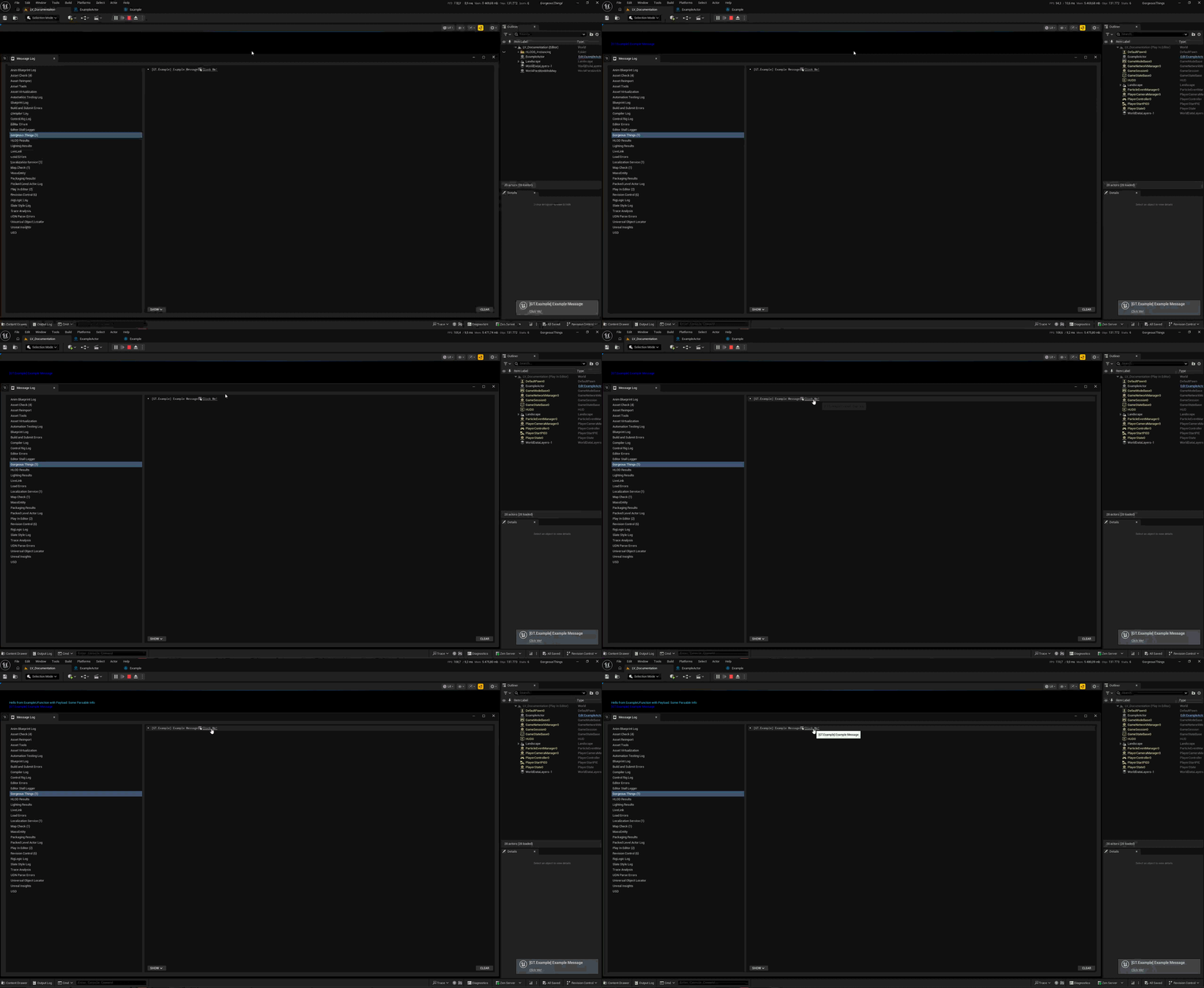
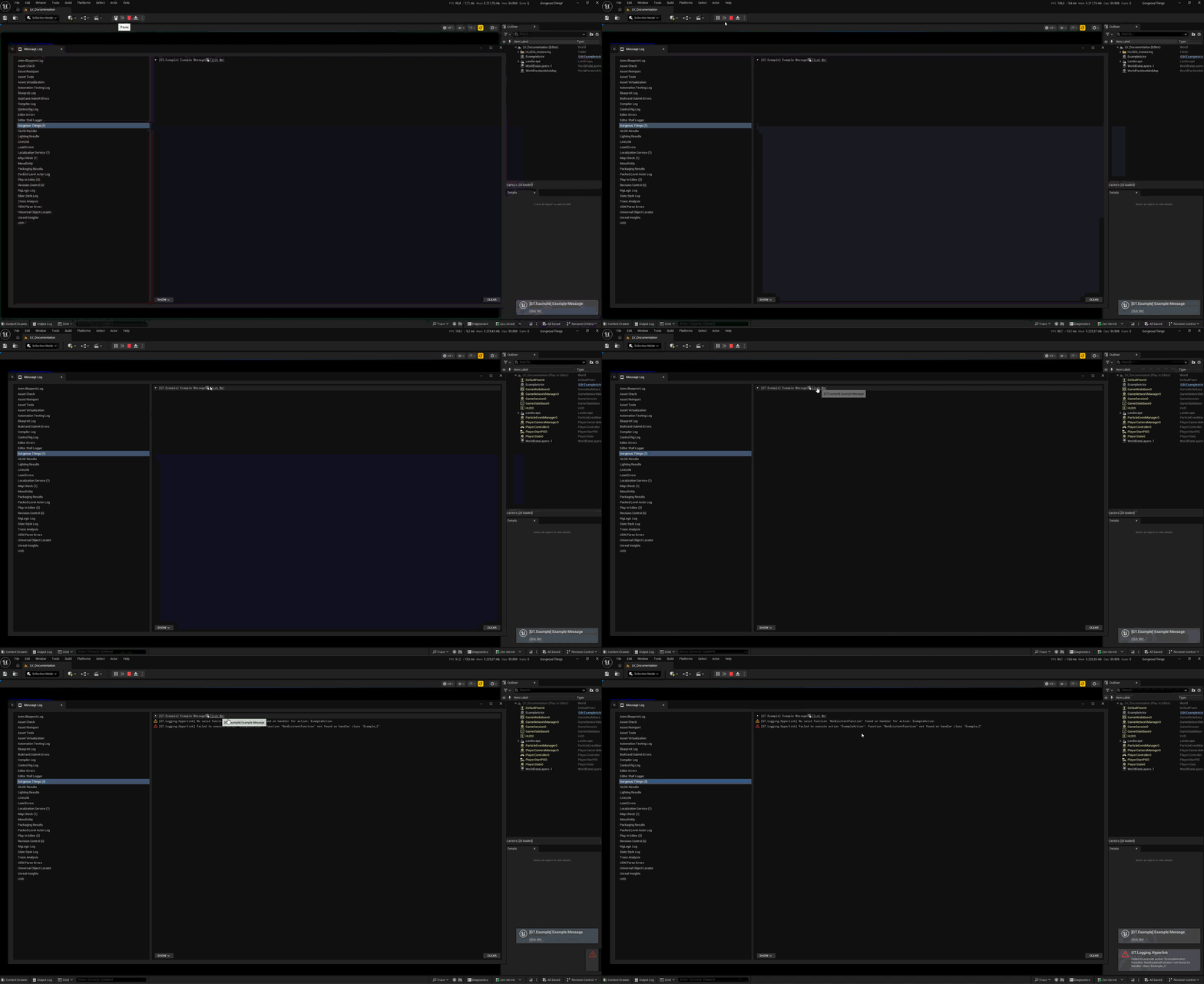
Logs a message to the Message Log with an embedded hyperlink that executes a registered action when clicked. You specify the name of the registered action (which should have been registered using RegisterLogHyperlinkAction) and an optional payload string that will be passed to the action handler when the hyperlink is clicked. This enables you to create interactive log messages that can trigger specific functionality or navigate to certain parts of the editor directly from the log output.
| Parameter Name | Type | Description |
|---|---|---|
Message |
FString |
The message to log in the Message Log. |
LoggingKey |
FName |
A unique key to manage and identify this log message. |
Importance |
ELogVerbosity::Type |
The verbosity level of the log message (e.g., Display, Warning, Error). |
ActionName |
FName |
The name of the registered action to execute when the hyperlink is clicked. This should match an action registered via RegisterLogHyperlinkAction. |
ActionPayload |
FString (optional) |
An optional string payload that will be passed to the action handler function when executed. |
LinkText |
FString |
The text that will be displayed for the hyperlink in the log message. |
WorldContextObject |
UObject* |
The world context object, used for logging context. |
// Example of logging a message with an action hyperlink in C++
UGorgeousEditorLoggingBlueprintFunctionLibrary::LogMessageWithActionHyperlink(
    "This is a log message with an action hyperlink.",
    FName("MyUniqueLogKey"),
    ELogVerbosity::Display,
    FName("MyRegisteredAction"),
    "OptionalPayloadData",
    "Click Here to Execute Action",
    GetWorld()
);
Macro Usage
The runtime utilities module exposes a set of macros such as GT_LOG_MESSAGE_FULL_EX which can also access this functionality with a more concise syntax for common logging patterns. These macros are designed to provide quick and easy logging capabilities while still allowing for the use of hyperlinks when needed.
FGorgeousLogHyperlink ExampleHyperlink;
ExampleHyperlink.TargetAsset = FSoftObjectPath("/Game/ExampleBlueprint.ExampleBlueprint");
ExampleHyperlink.LinkText = "Open Example Blueprint";

GT_LOG_MESSAGE_FULL_EX(
    Logging_Warning,
    "MyUniqueLogKey",
    TEXT("This is a log message with an asset hyperlink."),
    5.0f, // Display duration
    true, // bPrintToScreen
    true, // bOverrideLoggingIfPresent
    true, // bShowAsToast
    nullptr, // WorldContextObject
    &ExampleHyperlink // Hyperlink ptr
);
A more precise documentation is available here for the logging macros and their hyperlink capabilities.